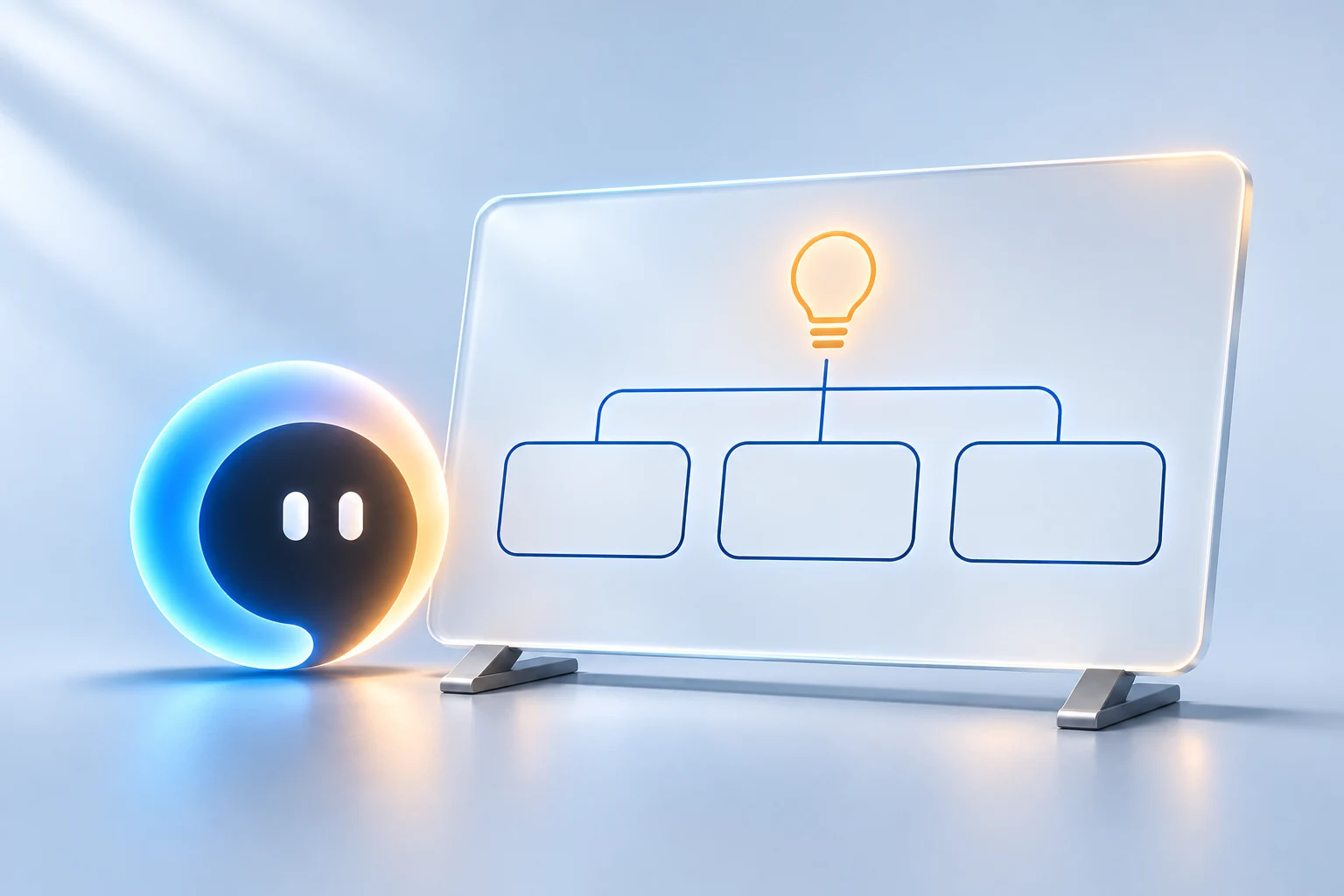
A thought, with somewhere to grow.
Lay out an idea on a whiteboard, talk it through and keep shaping it together.
Explore your WorkspacePersonal AI. A little more personal.
Your voice. Your ideas. Your next move. Zennie brings conversation and useful actions to your phone, watch and computer—with you in control.
Early access is limited. Join the list for access updates.
Features depend on your device, permissions and connections.
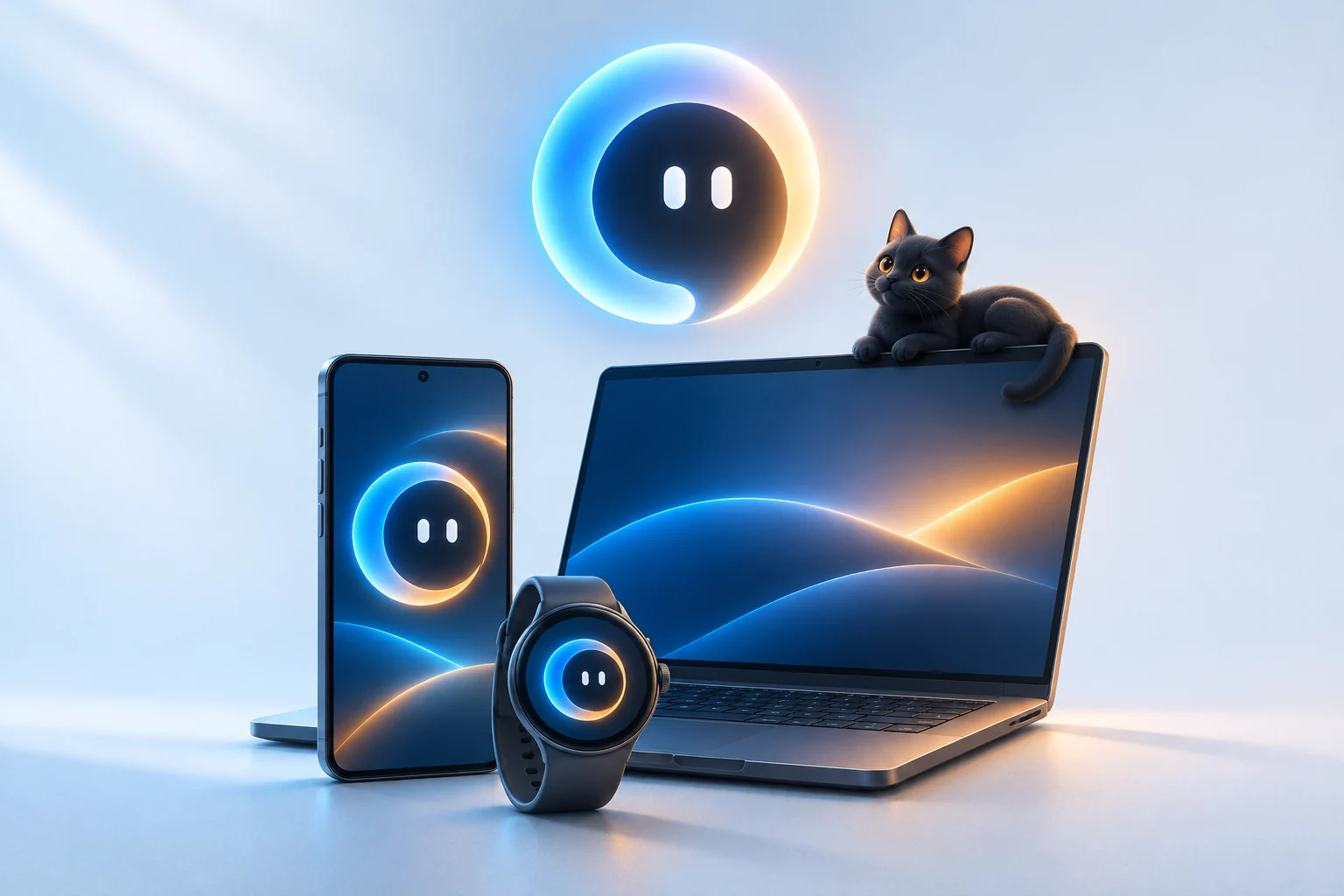
Start with what’s on your mind
You don’t need the perfect prompt. Start a conversation, follow the thought and choose the next step.
A few ways to begin
Help me make a little room in my morning.

Let’s start with what matters today. We can look at your connected calendar, shape a plan and leave a little breathing room.
Calendar access is your choiceExample conversations. Actual actions depend on your device, permissions and the tools you connect.
One companion. Everywhere.
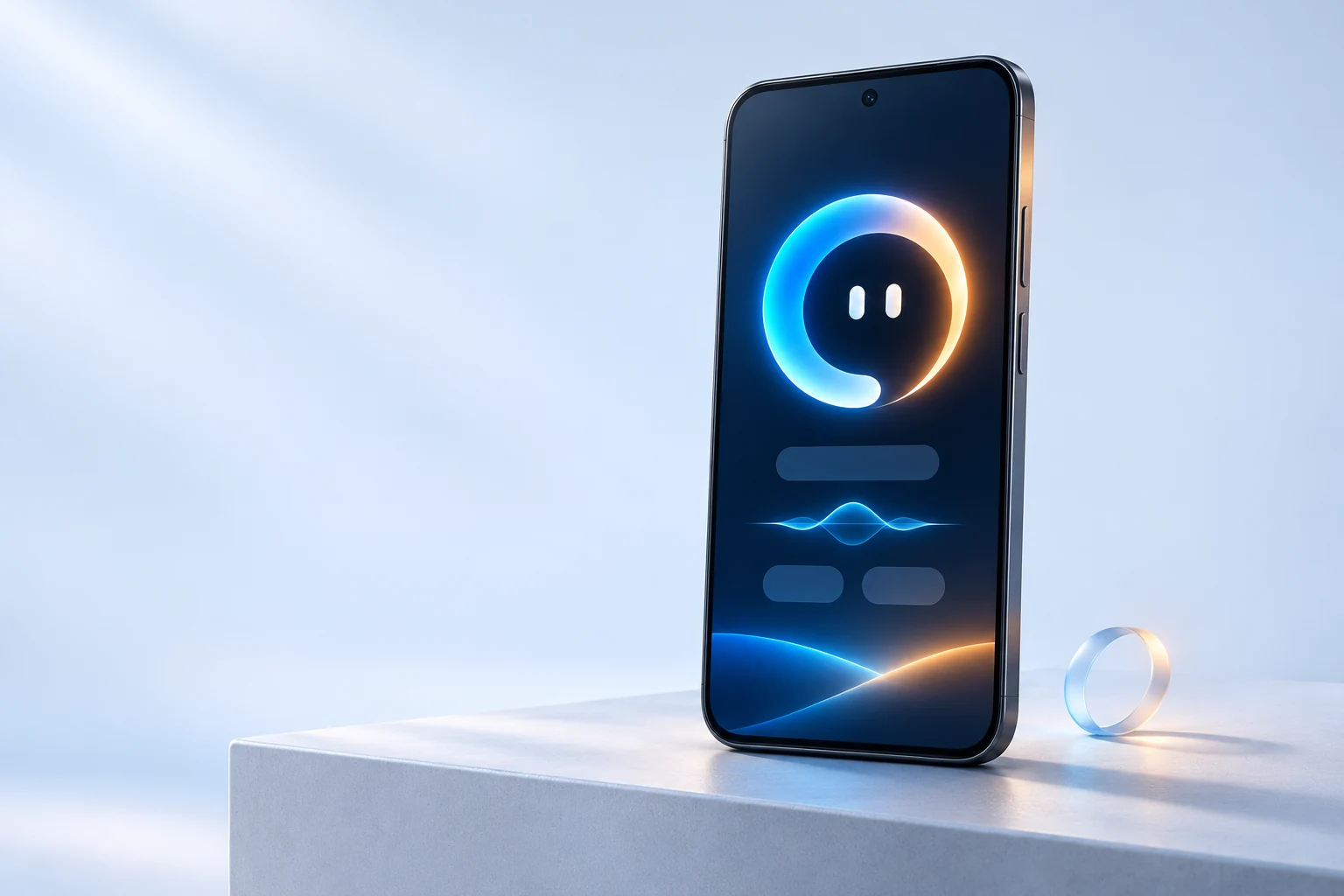
Talk things through, open useful phone actions and keep your day moving, wherever you are.
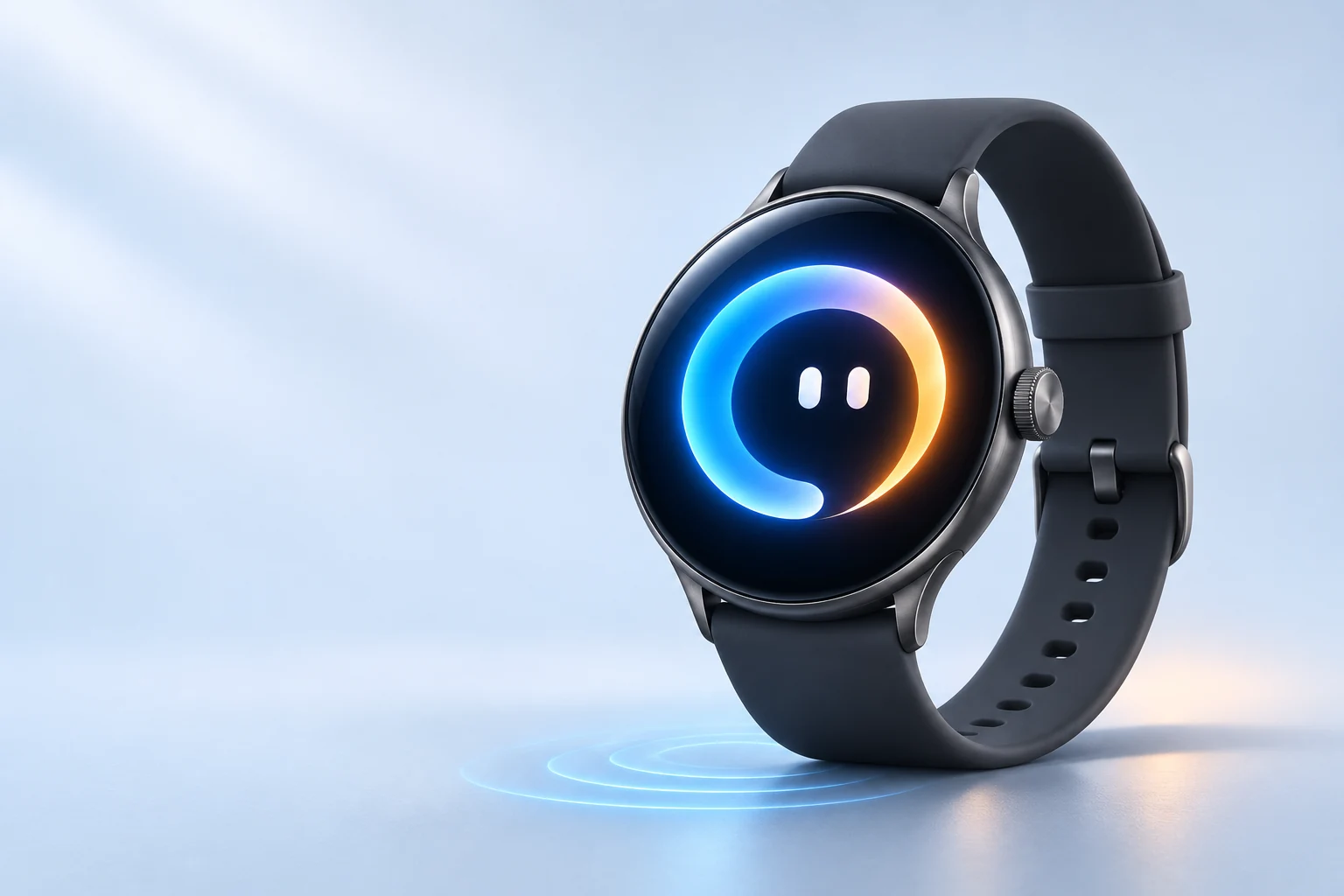
Quick questions and familiar company, without reaching for your phone. Pair with your phone for supported phone actions.
A familiar assistant at your desk. Open things, work with connected tools and hand tasks to your own available computer or server.

Features and interfaces vary by device, version and setup. Product visuals are illustrations.
A familiar voice
Talk naturally. Ask a follow-up. Change your mind. Zennie gives your thoughts somewhere to go—and helps you work out what comes next.
Ready to start. This is an animation preview.

For the everyday, and the what-if
Keep a useful thought, sketch a plan or get a draft going. A little help can make the next move feel simpler.
Lay out an idea on a whiteboard, talk it through and keep shaping it together.
Explore your Workspace
Let Zennie remember the preferences and context you choose to share. Connect the tools that fit your day.

Your next move
Open an app. Start a reminder. Find the words for a message. When a sensitive action needs your approval, the choice stays with you.
Bring the useful parts of your day together.

You set the boundaries
Choose what you connect, what you share and the help you want. Useful should still feel like you’re in control.
Keep projects and conversations in your Workspace. Connect an available computer or server for supported work tasks, using the tools and accounts you’ve set up.
A few good questions
Zennie is a personal AI assistant you can talk to on your Android phone, Wear OS watch and Windows computer. It brings conversation, useful device actions and connected tools into one familiar companion.
There are apps for Android, Wear OS and Windows. Features vary by device, app version and setup. The watch needs a compatible phone for phone actions, and computer tasks need an available connected computer or server.
No. Choose the tools and permissions you want to use. Mail, calendar, smart-home services and device features have their own setup and access requirements. You can start with a conversation.
Sensitive actions use review or approval steps. For messaging drafts, you choose what to send and complete the relevant app’s send or approval flow. Opening a draft is different from sending it.
Visit Downloads for the apps and setup guides. Early access is limited; you can also join the list below for access updates. Availability depends on your account and device.
Early access
Want to be part of what’s next? Join the list for access updates, and tell us where you’d like to use Zennie.
Already have access? Get the apps and setup instructions on the Downloads page